
Compress Image & Reduce Image Size Online
Compress and reduce image file size online — make PNG, JPG, WebP, BMP, TIFF, and GIF photos smaller with smart optimization. Same format, just smaller — typically 50–70% smaller.
Workflow illustration; not an actual conversion result.
Try it now
Or paste a link to a file
Drop multiple images to combine them into one PDF, Word document, or PowerPoint presentation — or convert each image separately.
Drop an image and Optimize mode reduces file size with format-aware settings. Quality is auto-balanced — no slider to wrestle with. Need a transparent PNG instead? Use the Remove BG tab.
Tested example ·
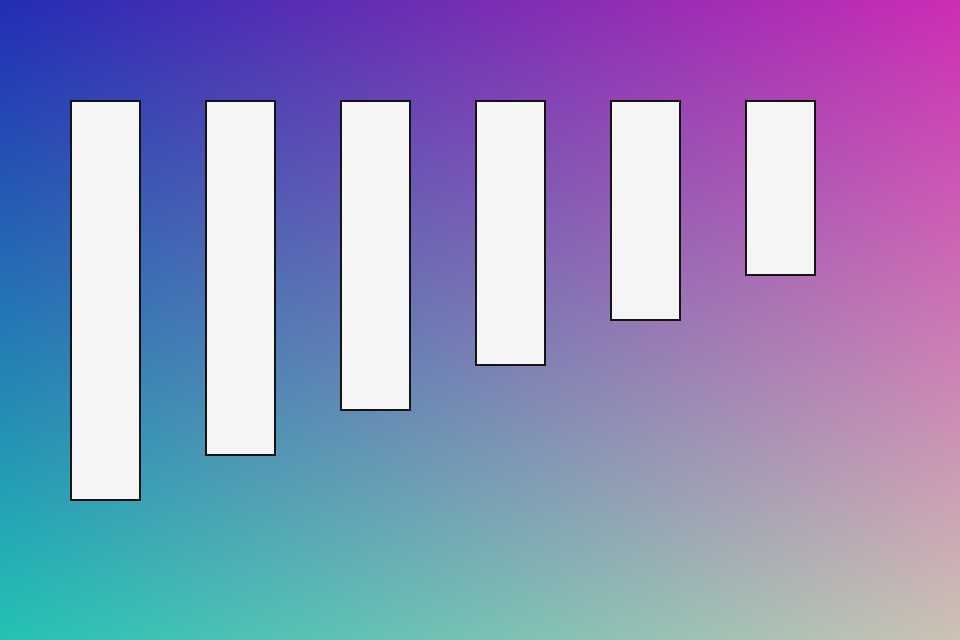
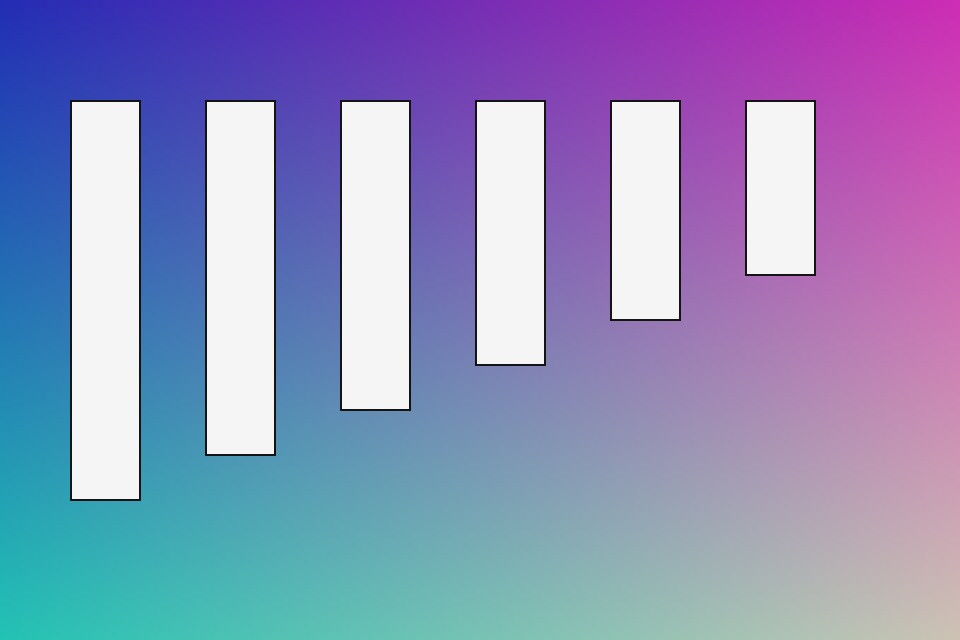
JPEG compression: compare an actual input and output
With JPEG quality set to 90, this synthetic diagram stays at 960 × 640 pixels. Its file size decreases, but decoded pixels change: this is lossy compression. Inspect edges and gradients at full size before choosing your own settings.
Input size: 120,812 bytes; output: 30,342 bytes.
Reproduce this result
Download the input JPEG, upload it above and use Optimize (quality 90). Compare the downloads at 100% zoom. Savings depend on the source; an already compressed image may not become smaller.
A diagram is not a photograph. This result does not establish a typical savings rate or guarantee identical visual quality for other images.
Original synthetic test files, released under CC0 for reuse and redistribution.
Files deleted after 2 hours
Temporary uploads and outputs expire automatically.
No account required
Convert, optimize, and download without signing up.
Private temporary links
Share links are short-lived and scoped to each result.
Secure server processing
Files are processed in our controlled conversion workers.
No watermark
Downloads stay clean, including PDF and image outputs.
Use cases
Email attachments
Slip under common 25 MB inbox limits without re-exporting from Photoshop.
Faster upload
Beat platform size caps on marketplaces, forms, and chat apps.
Page performance
Lighter images speed up your site and your email open rates.
Cloud storage
Fit more photos in the same Drive, iCloud, or Dropbox plan.
Compression is not one thing
How much an image shrinks depends almost entirely on what is in it and what format it is in. A photograph has a great deal of detail a lossy encoder can discard without you noticing. A screenshot of text has hard edges and flat areas, where the same approach produces visible fringing around the letters.
That is why a single number for "how much smaller" would be misleading. The published example on this site is one real measurement of one specific image at quality 90 — it is evidence that the tool works, not a promise about your file.
| Image | Better choice |
|---|---|
| Photograph | JPG or WebP at quality 80–90. |
| Screenshot, text, line art | PNG, or WebP lossless — JPG will blur the edges. |
| Logo or cutout with transparency | WebP, which keeps alpha and beats PNG on size. |
| Image for a modern website | AVIF or WebP with a fallback. |
| Master copy you will edit later | Keep the original; compress a copy. |
Lossy is permanent, and it stacks
Discarded detail does not come back. Re-compressing an already-compressed image adds a second round of loss on top of the first, and the encoder spends effort preserving the previous round's artifacts as though they were real detail.
So compress once, from the best source you have, rather than repeatedly from the last file you made. If you are experimenting with settings, always go back to the original rather than re-compressing the output.
Check the result at the size it will actually be displayed. Artifacts that are obvious at 400% zoom are frequently invisible at normal viewing size, and judging by zoom leads people to keep files far larger than they need.
Related tools & conversions
Frequently asked questions
Will compression change my image format?+
No. PNG stays PNG and JPG stays JPG. If you want a transparent PNG, use the Remove BG tab instead.
Can I choose quality?+
Optimize uses automatic settings: JPEG and WebP quality 90, and lossless PNG optimization. JPEG and WebP pixels can change. Check the result at full size; an already compressed image may not become smaller.
Can I compress multiple images?+
Yes. Drop multiple images to optimize each one and download the results.